Transform Photos into
Professional PDFs

Create, Sign, and Share Professional Documents in Seconds

5 stars rating

Rated 5 Stars on App Store

Download on the App Store
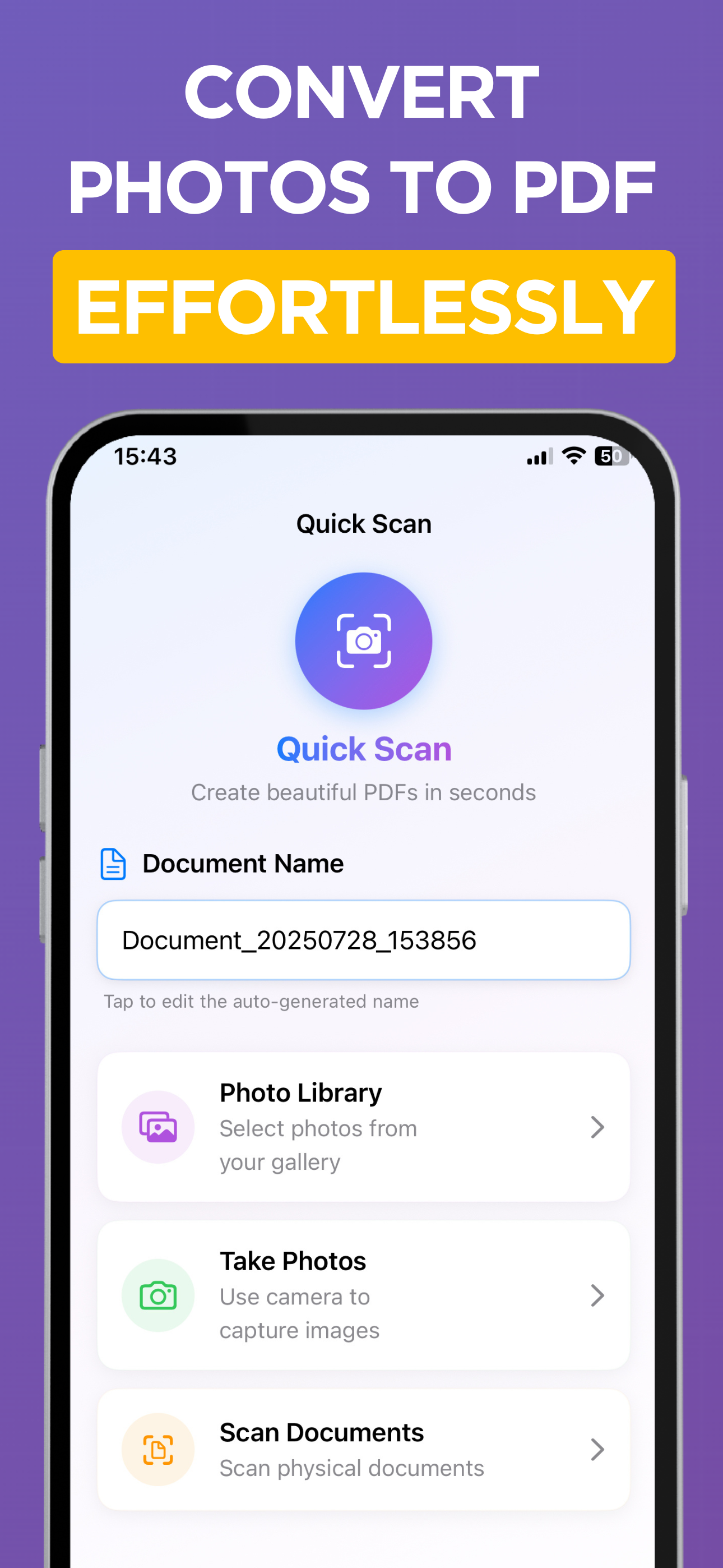
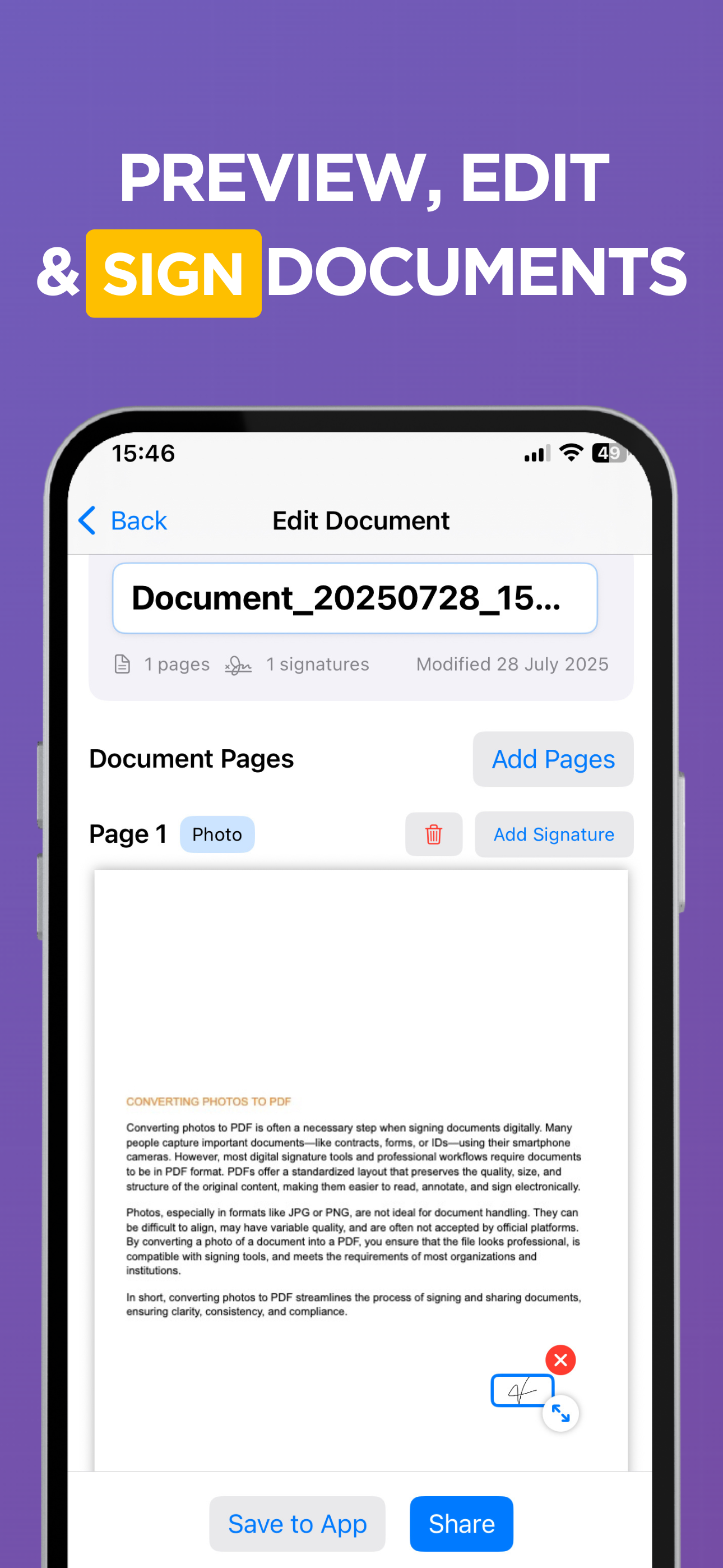
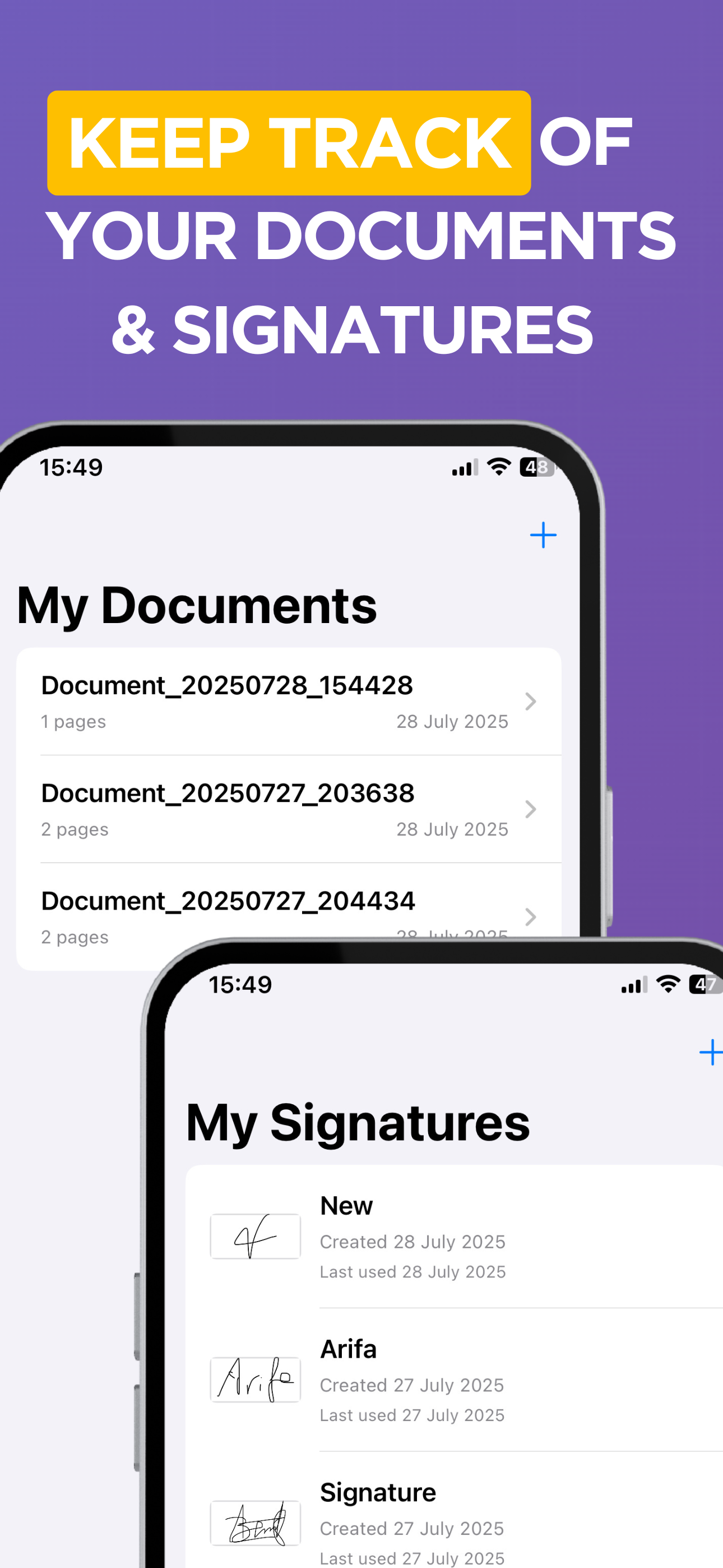
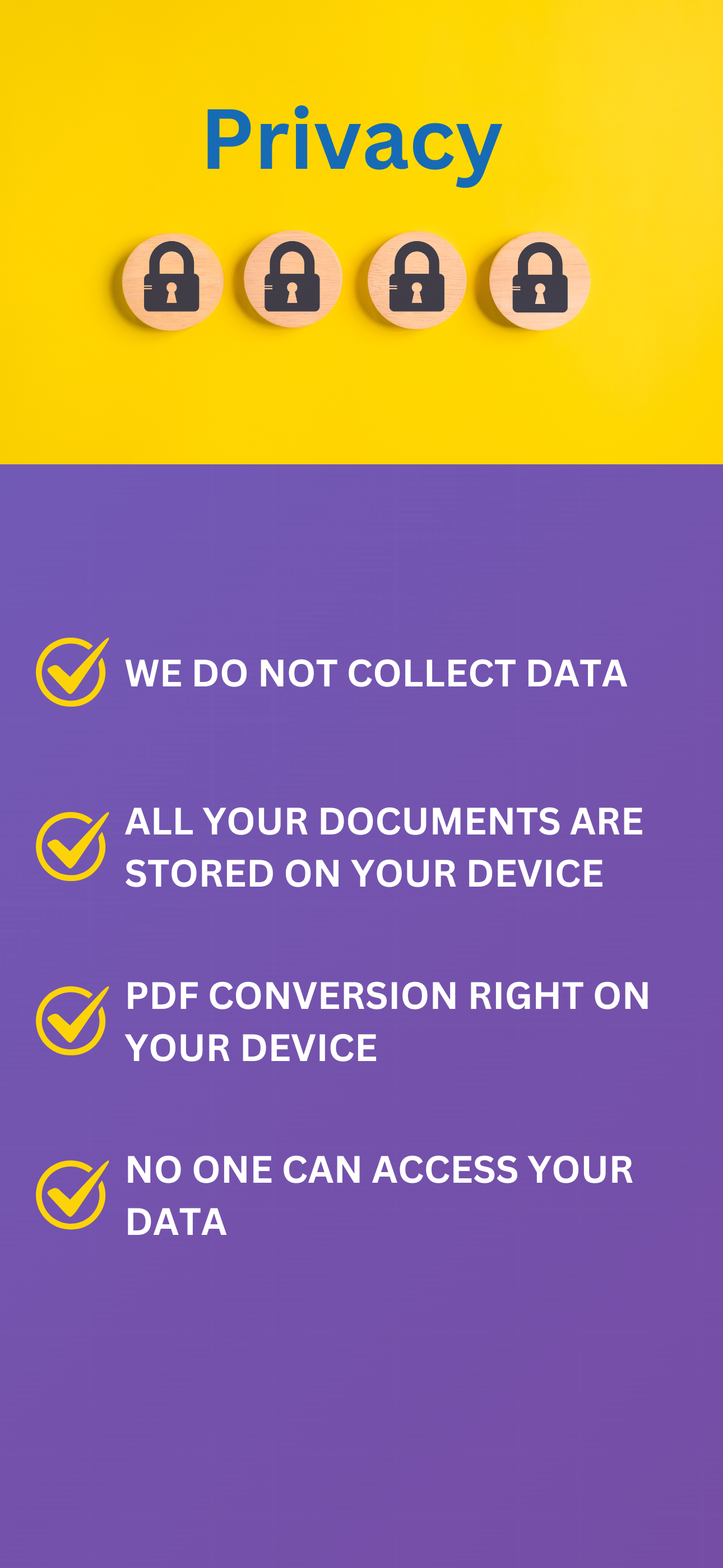
Quick Scan Interface Edit and Sign Documents Manage Documents and Signatures Privacy and Security

Everything You Need for PDF Management

Turn your iPhone into a powerful mobile office with professional-grade features

📸

Multiple Input Options

  • Scan documents with built-in scanner
  • Take high-quality photos with camera
  • Import images from photo library
  • Create multi-page PDF documents
✍️

Digital Signature Technology

  • Draw signatures with Apple Pencil or finger
  • Save and reuse signatures
  • Drag & drop signature placement
  • Precise positioning and resizing
📄

Professional PDF Output

  • A4 standard formatting for business use
  • High-quality image compression
  • Crystal-clear text and graphics
  • Perfect for printing and sharing

Perfect For Everyone

💼

Business Professionals

🎓

Students

🏠

Real Estate Agents

🌐

Remote Workers

Why Choose Photo to PDF?

Lightning Fast

Create PDFs in under 30 seconds

Professional Quality

Business-ready A4 formatting

🔒

Secure & Private

All processing on your device

📱

Always Available

Work offline anytime, anywhere

Your Privacy is Our Priority

🔐

No Data Collection

We don't collect or store any of your personal information

📱

On-Device Processing

All documents are stored and processed locally on your device

🛡️

No Cloud Required

Work completely offline without any internet connection

Ready to Go Paperless?

Join thousands of users who trust Photo to PDF for their document needs

Download on the App Store